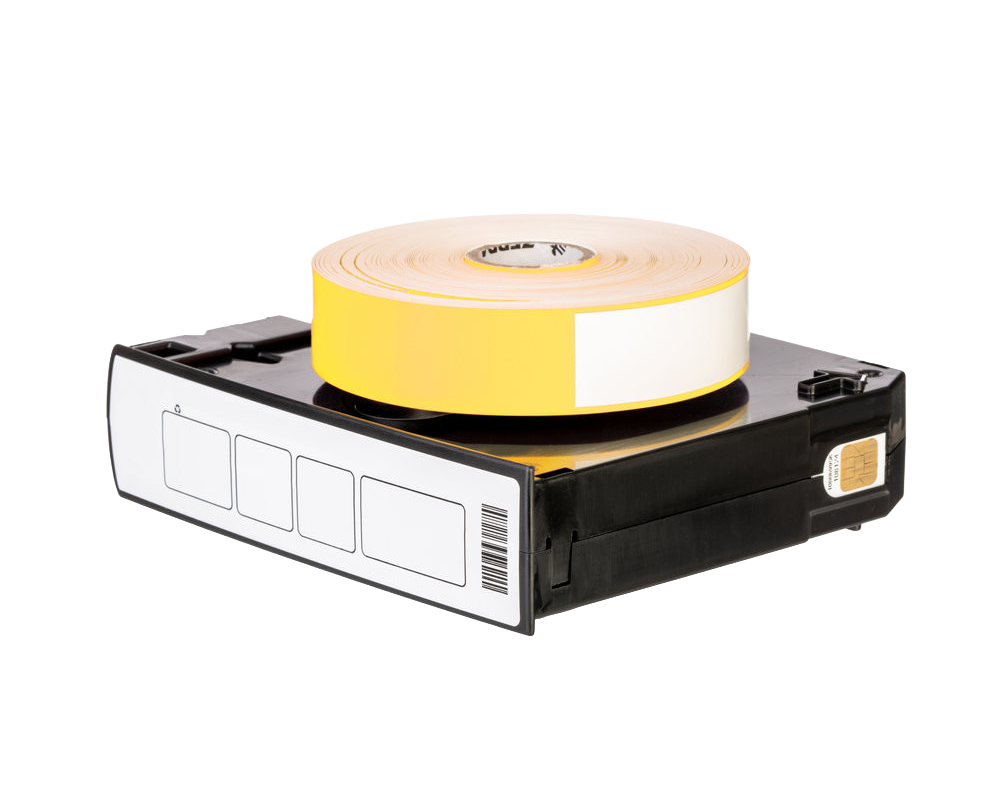
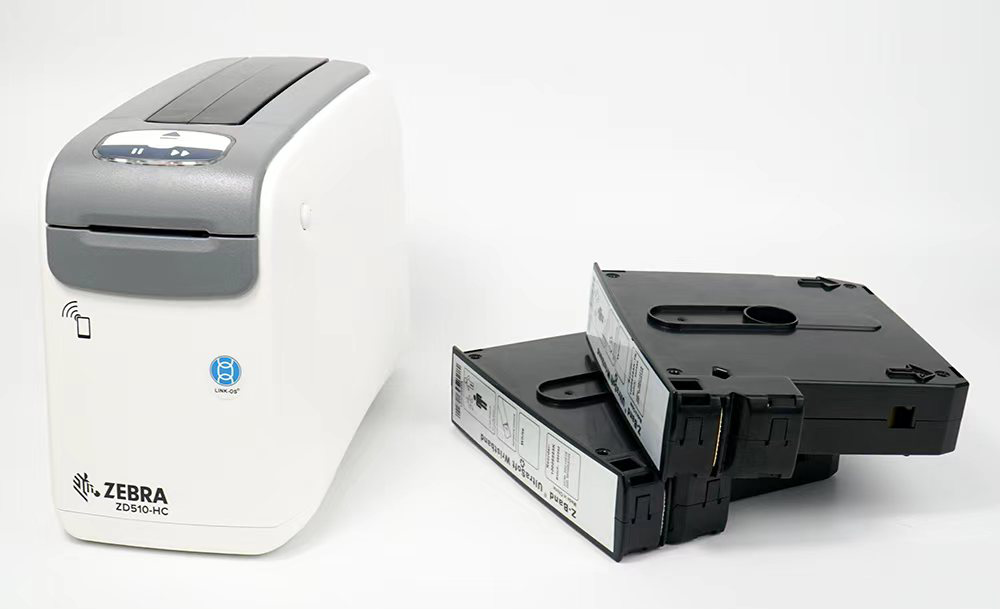
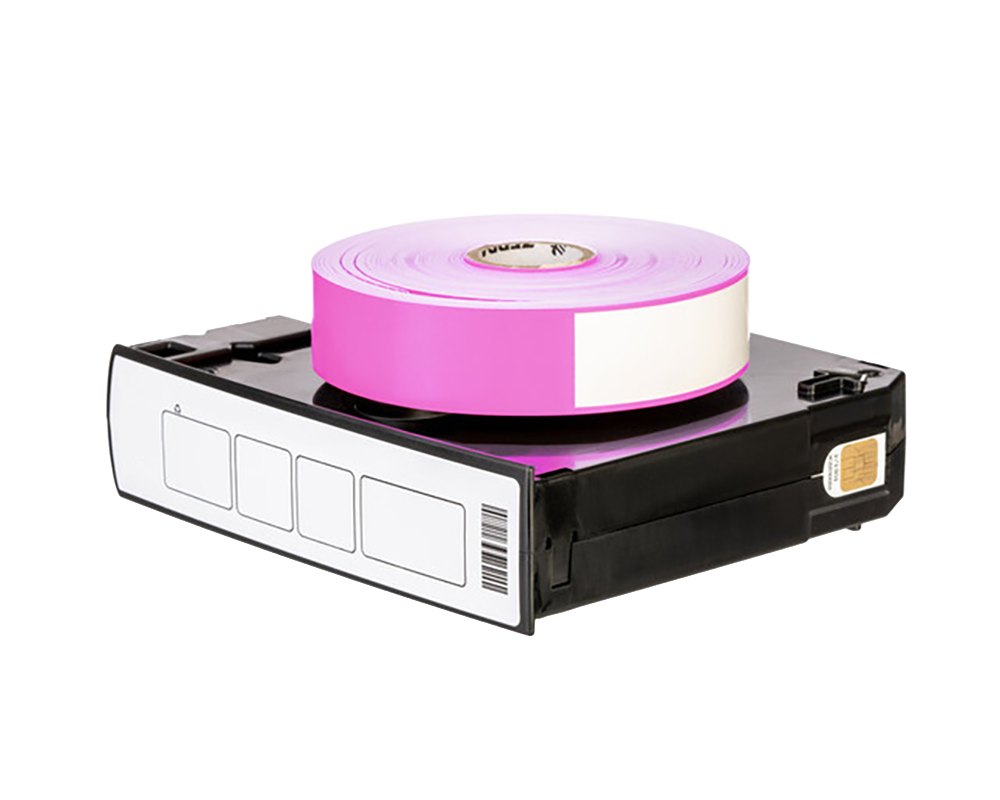

The Zebra ZD510-HC is one of the most trusted wristband printing systems in hospitals worldwide. Its cartridge-based design, disinfectant-ready housing, and 300-dpi print resolution make it ideal for patient identification and barcode scanning workflows. However, choosing the right wristbands is essential for getting the full benefit of the printer.
Not all wristbands are created equal—and poor-quality or incompatible wristbands can lead to jams, scanning failures, patient ID risks, and rising operational hidden costs of hospital wristbands.
This buyer’s guide explains exactly what to look for, how to evaluate suppliers, how to test compatibility, and how to request samples before placing your first bulk order.
A. Understanding ZD510-HC Cartridge Technology
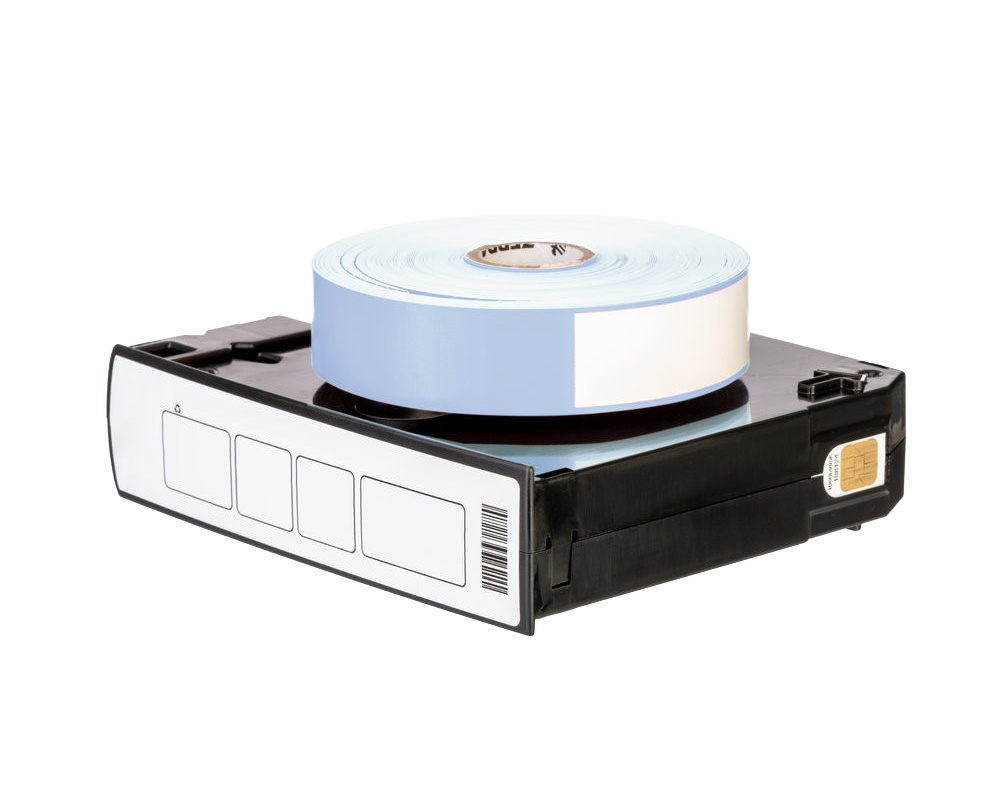
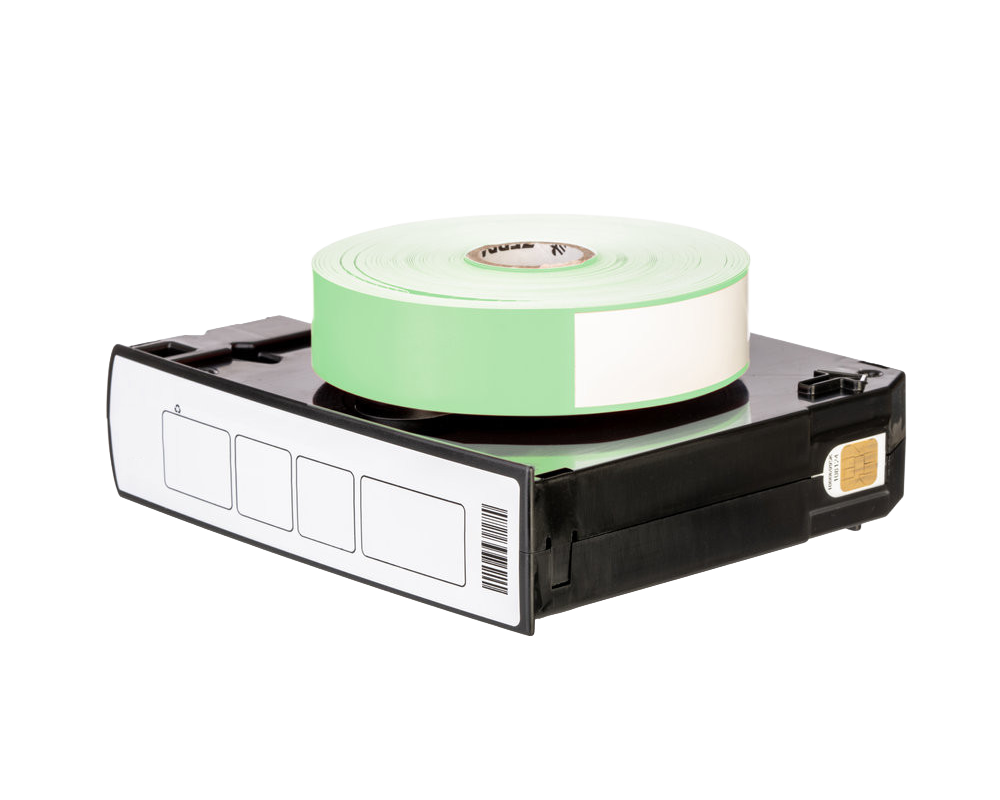
The ZD510-HC uses a wristband cartridge rather than a traditional roll. The cartridge ensures:
- Automatic calibration
- Error-proof loading
- Correct tension and feed alignment
- Consistent print quality
Every cartridge houses a roll of direct thermal wristbands engineered to fit the ZD510-HC’s sensors and feeding track. When evaluating “compatible” wristbands, it’s critical that both the cartridge shell and the internal wristband roll are accurately designed to Zebra specifications.
High-quality compatible cartridges should offer:
- Smooth loading with no force
- Accurate indexing for every band
- No snagging or friction when feeding
- Clean perforation separation
- No error messages on the printer
If a supplier cannot provide third-party testing or clinical feedback on cartridge reliability, proceed with caution.
B. Key Considerations When Choosing Wristbands
When purchasing medical-grade alcohol-resistant wristbands for the ZD510-HC, pay attention to these technical specifications:
• Material Type
The wristband material determines durability, comfort, and scanning stability.
Common options include:
- Polypropylene (PP): soft, flexible, widely used for patient ID
- Vinyl: durable for long stays
- Polyester: resistant to chemicals, moisture, and heavy use
Medical wristband materials must be:
- Hypoallergenic
- Resistant to disinfectants and alcohol
- Non-irritating for long-term skin contact
• Width
The ZD510-HC supports multiple widths depending on use-case:
- Adult / standard width
- Pediatric width
- Neonatal / infant narrow width
Incorrect width can cause:
- Print misalignment
- Poor barcode positioning
- Cartridge feed issues
Ensure your supplier provides exact ZD510-HC compatible dimensions.
• Core Size & Cartridge Fit
Traditional wristband rolls use cores, but ZD510-HC wristbands are fitted inside a cartridge. Key factors include:
- Feed-hole alignment
- Sensor-marker accuracy
- Proper tension
- Correct roll diameter
If the roll is too tight, the printer strains. If too loose, bands misfeed or cause double-feeds.
• Print Sensitivity & Thermal Coating
This determines print darkness and barcode clarity.
Look for wristbands with:
- High sensitivity for 300-dpi direct thermal printing
- Protective topcoat to prevent fading
- Stable contrast after alcohol exposure
- Anti-smudge, anti-scratch performance
High print sensitivity = fewer reprints and faster scanning.
C. Adult vs Pediatric vs Infant Wristbands
Different patient groups require different wristband designs.
Adult Wristbands
- Standard width
- Strong adhesive
- Comfortable for long stays
- Best for general wards and emergency departments
Pediatric Wristbands
- Slightly narrower
- Softer edges for sensitive skin
- Gentle adhesives that still maintain hold
Infant & Neonate Wristbands
- Extra narrow size
- Ultra-soft material
- Special adhesives safe for newborn skin
- High tear resistance to prevent accidental removal
Always request samples from suppliers to compare softness, flexibility, and adhesive performance.
D. Critical Questions to Ask Wristband Suppliers
Before placing any order, ask suppliers these questions:
1. “Are your wristbands fully compatible with Zebra ZD510-HC cartridges?”
They should provide:
- Test reports
- Clinical validation
- Printer compatibility certificates
2. “What material and coating are used?”
Ensure:
- Medical-grade film
- Anti-alcohol topcoat
- Hypoallergenic adhesive
3. “Can you guarantee stable barcode print quality at 300 dpi?”
If they cannot provide print samples, that is a red flag.
4. “Do you offer cartridges, wristbands only, or both?”
Some factories produce only rolls; others offer full cartridge assemblies.
5. “What is your lead time and production capacity?”
Essential for hospitals with heavy daily usage.
6. “Can you provide OEM/ODM options?”
Useful for branding or customized colors.
7. “Do you supply to any hospitals already?”
Reputable suppliers should have case studies or references.
E. How to Test Wristband Compatibility Before Buying in Bulk
A simple, systematic test ensures reliability.
Step 1 – Load Test
- Cartridge must click in smoothly
- Printer should recognize it instantly
- No feed errors
Step 2 – Print Quality Test
Print multiple wristbands and check:
- Barcode sharpness
- Text clarity
- No streaking or fading
- Consistent alignment
Step 3 – Alcohol Resistance Test
Rub printed area with:
- 70% alcohol wipes
- Hand sanitizer
- Standard disinfectant wipes
Print should remain clear and scannable.
Step 4 – Scan Test
Scan barcodes using:
- Bedside scanners
- Mobile devices
- EHR-connected scanners
All should read quickly and consistently.
Step 5 – Durability & Wear Test
Attach to a volunteer and test for:
- Skin comfort
- Adhesive hold after movement
- Resistance to moisture
- No lifting edges after 24–48 hours
Step 6 – Stress Test
Simulate pulling, bending, and friction to ensure no tearing.
Performing these tests on every batch ensures consistent quality.
F. How to Request Samples from Suppliers
A professional medical wristband supplier will provide free or low-cost sample kits.
Request:
- Adult, pediatric, and infant wristbands
- Multiple colors
- Cartridge-filled samples
- Print and scan examples
- Material data sheets
- Test reports (alcohol resistance, durability, biocompatibility)
A reliable supplier will also guide you through on-site test procedures.
G. Vendor Comparison Matrix (Example)
| Criteria | Supplier A | Supplier B | Supplier C |
|---|---|---|---|
| Cartridge Compatibility | ✔️ | ✔️ | ⚠️ Limited |
| Material Quality | Medical-grade PP | Vinyl | Mixed materials |
| Alcohol Resistance | Excellent | Moderate | Poor |
| Adhesive Quality | Hypoallergenic | Standard | Weak |
| Print Clarity (300 dpi) | Sharp / high-contrast | Acceptable | Inconsistent |
| Pediatric/Infant Options | ✔️ Full range | Partial | None |
| Lead Time | Fast | Medium | Slow |
| Pricing | Competitive | High | Low but risky |
| Minimum Order Quantity | Flexible | High | Low |
| Customer Support | Strong | Moderate | Weak |
Hospitals should choose vendors that provide a balance of quality, reliability, price, and supply stability.
Conclusion
Choosing the right wristbands for the Zebra ZD510-HC is a crucial decision affecting patient safety, workflow efficiency, and operational costs. By understanding the cartridge system, materials, print resolution requirements, and compatibility standards, healthcare buyers can avoid common pitfalls like print fading, scan errors, or workflow disruptions.
High-quality compatible wristbands offer an excellent balance of performance and cost savings—especially when sourced from specialized medical wristband manufacturers who maintain strict quality controls.